

Instagram Carousel Splitter
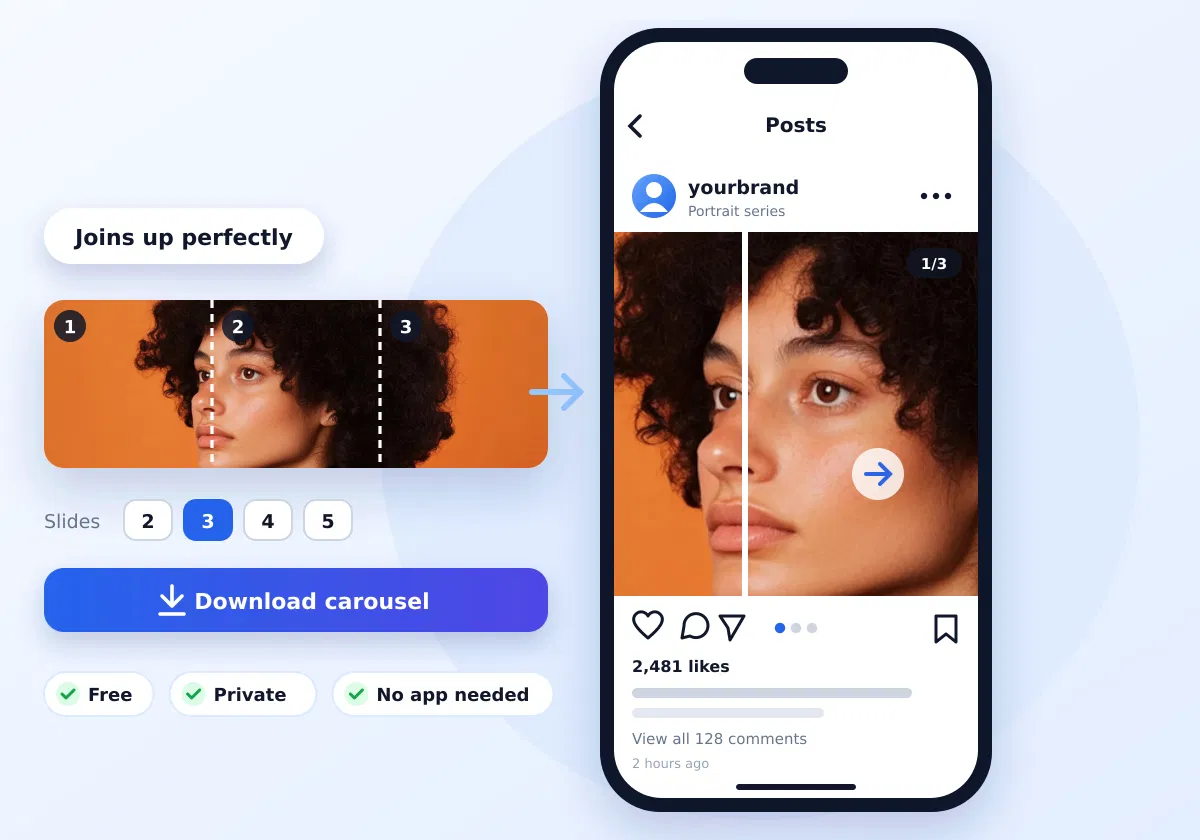
Turn one wide photo into a carousel people can't stop swiping. Choose your slides, preview the swipe, and download numbered images that join up perfectly.

What is an Instagram carousel splitter?
An Instagram carousel splitter cuts one wide image into equal slides that you post together as a single carousel. When people swipe, each slide picks up exactly where the last one ended, so the picture feels like one continuous scene. This is often called a seamless or panorama carousel.
Instagram won't show a wide panorama at full size in one post. It shrinks it into a thin strip. Splitting it into slides keeps every part of the image large and sharp, and gives people a reason to keep swiping.
Split my photo into slides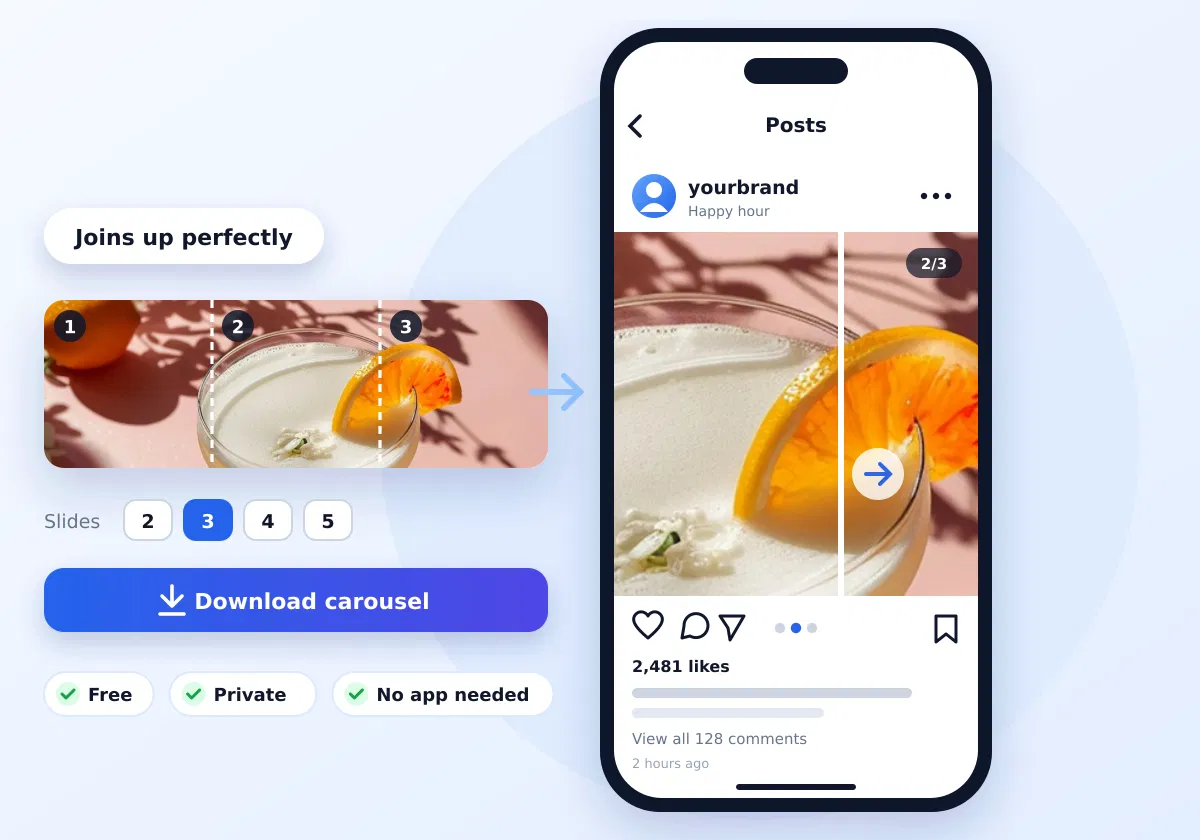
How to make a seamless Instagram carousel
Upload a wide photo, choose how many slides you want, download the numbered slides, and add them to one post in order. It takes about a minute.
Upload your image
A panorama, a wide landscape, or a design you made as one long canvas all work. Drop it in, paste a link, or try the sample.
Pick slide count and shape
Choose Instagram, then the number of slides. Keep slides at 4:5 unless you post from the app and want the taller 3:4.
Frame and preview
Drag the image to choose which part fills the slides, then swipe through the preview to check every join.
Download and post in order
Save the slides as a ZIP or one by one. In Instagram, tap + then Post, select slide-01 first and the rest in number order, then share.
Instagram carousel size: what size should your image be?
Make your image 1080 px wide for every slide, and 1350 px tall for 4:5 slides. A 3-slide carousel needs 3240 × 1350 px; a 5-slide one needs 5400 × 1350 px. Smaller images still split, but the slides may look soft.
| Slides | 4:5 · 1080 × 1350 per slide | 3:4 · 1080 × 1440 per slide | 1:1 · 1080 × 1080 per slide |
|---|---|---|---|
| 2 | 2160 × 1350 px | 2160 × 1440 px | 2160 × 1080 px |
| 3 | 3240 × 1350 px | 3240 × 1440 px | 3240 × 1080 px |
| 4 | 4320 × 1350 px | 4320 × 1440 px | 4320 × 1080 px |
| 5 | 5400 × 1350 px | 5400 × 1440 px | 5400 × 1080 px |
| 10 | 10800 × 1350 px | 10800 × 1440 px | 10800 × 1080 px |
Which shape should you pick?
4:5 portrait Default
The safe default. It works everywhere, including scheduling apps.
3:4 portrait
The tallest shape Instagram allows, supported for carousels since May 2025. Use it when you post from the Instagram app; scheduling tools still cut it down to 4:5.
1:1 square
Suits short, wide panoramas and the classic look.
Whatever you choose, keep every slide the same shape. Instagram sets the shape of the whole carousel from your first slide and crops the rest to match.
How many slides should a carousel have?
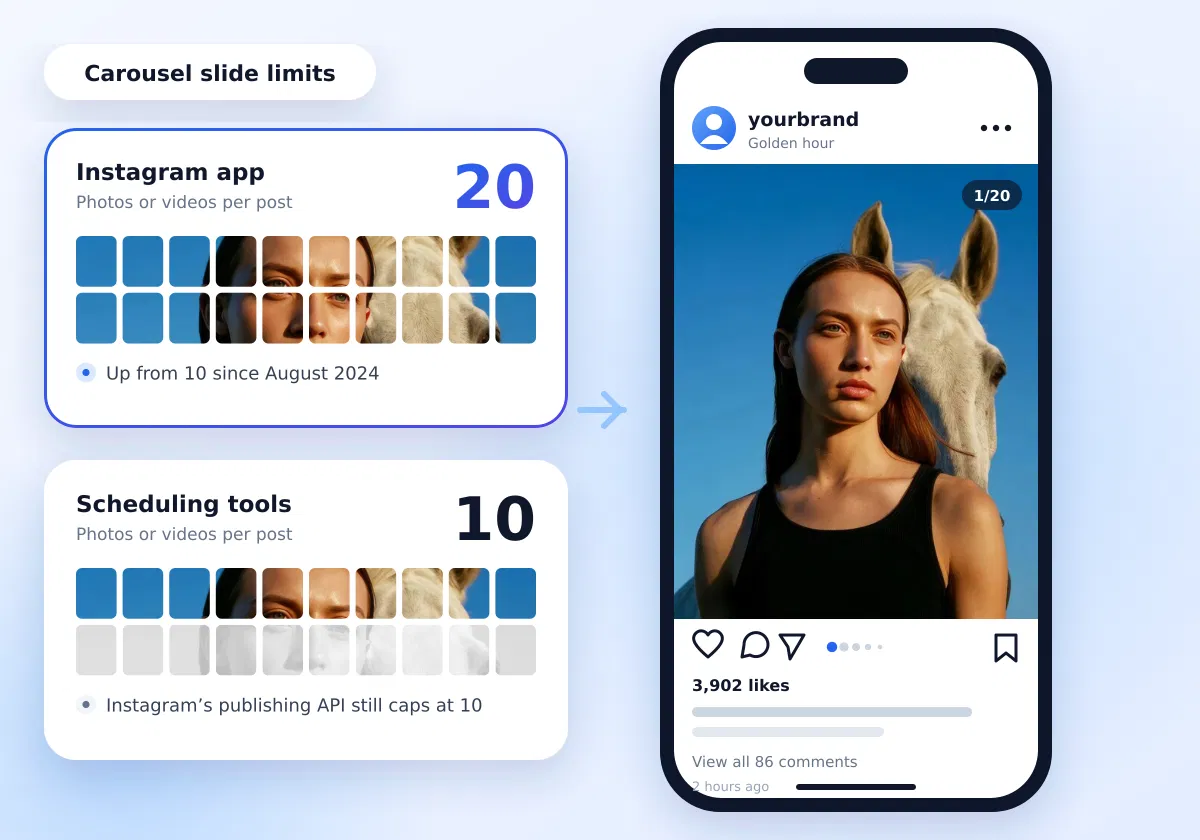
Instagram allows up to 20 photos or videos in one carousel, up from 10 in August 2024. If you post through a scheduling tool, the limit is usually 10, because Instagram's publishing API still caps carousels there.
For a seamless panorama, 3 to 5 slides usually work best. Each slide stays full of detail, and people reach the end before they lose interest. Save 6 or more for long scenes like a skyline, a timeline or a full product range.
Seamless carousel ideas
Travel panorama
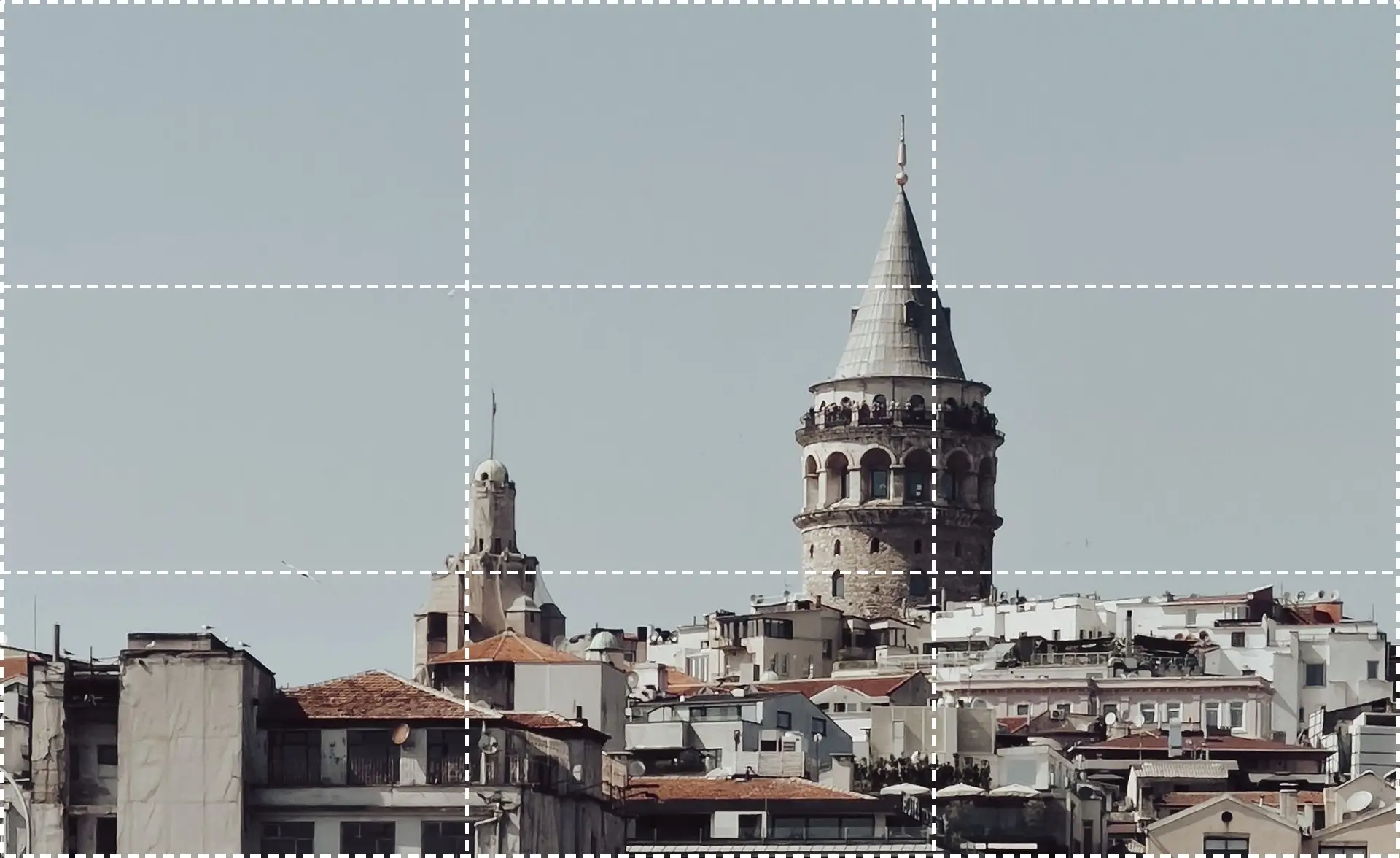
A beach, mountain range or city skyline across 3–5 slides.
Product line-up
A whole collection on one long shelf, one product per slide.
Before and after
Two slides that reveal the change on swipe.
Story or timeline
A single illustrated scene that unfolds step by step.
Room tour or flat lay
One wide shot that walks people through a space.

Branded designs
A long Canva or Figma canvas with a headline, then details, then a call to action on the last slide.
Carousel or grid: which do you need?
Use a carousel when you want the whole picture inside one post that people swipe through in their feed. Use a grid when you want the picture to fill your profile page across several separate posts.
Carousel
This tool- Posts used
- 1 post with 2–20 slides
- Seen in
- Followers' feeds, swiped left to right
- Posting order
- Slide 1 first
- Best for
- Panoramas, stories, product ranges
Profile grid
- Posts used
- 3, 6, 9 or more separate posts
- Seen in
- Your profile page
- Posting order
- Bottom-right tile first
- Best for
- Launches, rebrands, profile takeovers
Tips for a carousel that joins up perfectly
Make slide 1 your strongest
It's your cover in the feed and your thumbnail on the profile grid, where Instagram crops it to 3:4. Keep the main subject in its centre.
Keep faces and text away from the cuts
Leave a small margin either side of each join so nothing important is sliced.
Use one shape for every slide
Mixing 4:5 and square slides makes Instagram crop them and breaks the seams.
Add slides in number order
Instagram can't line them up for you; slide-01 must be first.
Turn on high-quality uploads
Switch it on in Instagram's media quality settings and post over Wi-Fi to reduce compression.
Give the last slide a job
Such as a call to action, a question or “save this post”.
Why use TrimIMG's carousel splitter
Sized for Instagram
Slides come out at 1080 px wide in 4:5, 3:4 or square.
Up to 20 slides
Matches Instagram's current carousel limit.
Swipe preview
See the finished carousel, with "1/3" style counters, before you download.
Numbered in order
Files are named slide-01, slide-02 and so on, so you always know what goes first.
Private by design
Your photo is processed in your browser and never uploaded.
Your format, your quality
Download PNG, JPG or WebP, set the quality, and save as a ZIP or slide by slide.
A seamless carousel is a single Instagram post where one wide image is split across several slides. As people swipe, each slide continues the picture from the one before, so it looks like one long, uninterrupted scene. It's also called a panorama or continuous carousel.
Ready to make people swipe?
Upload a wide photo, choose your slides and download a carousel that joins up perfectly. Free, private, and no app needed.
Make my carousel